Let’s dive into the vast universe of document printing. In today’s digital age, although we are increasingly reliant on screens, printing remains an essential element, whether for business, education, or even leisure. Whether you are a beginner looking for startup tips or a professional seeking to refine your skills, this comprehensive guide offers a wealth of information. It covers everything from the essentials like choosing printing equipment and paper type to more complex tips for optimizing the quality of your prints. Let yourself be guided and become a master of printing!
Printing Documents: An Essential Process
In the jungle of different printers available on the market, it can be difficult to determine which model is best suited to your specific needs. Whether you want to print high-resolution photos, produce large quantities of black and white text or print various documents for personal or professional use, the options are numerous.
Let’s start by discussing the laser printer. This technology, favored in professional environments for its printing speed and long-term performance, uses an electrostatic process that fixes ink to paper via a laser beam. It is an ideal option if you are looking to produce large quantities of good quality black and white text, such as professional or academic reports.
For those who prefer versatile usage with a less intensive footprint than that of a typical office, the inkjet printer can be an interesting choice. Using a technology that projects tiny droplets of liquid ink directly onto the paper to create the desired image—whether it be a colorful graphic or simply text—these printers generally offer excellent color quality while remaining affordable.
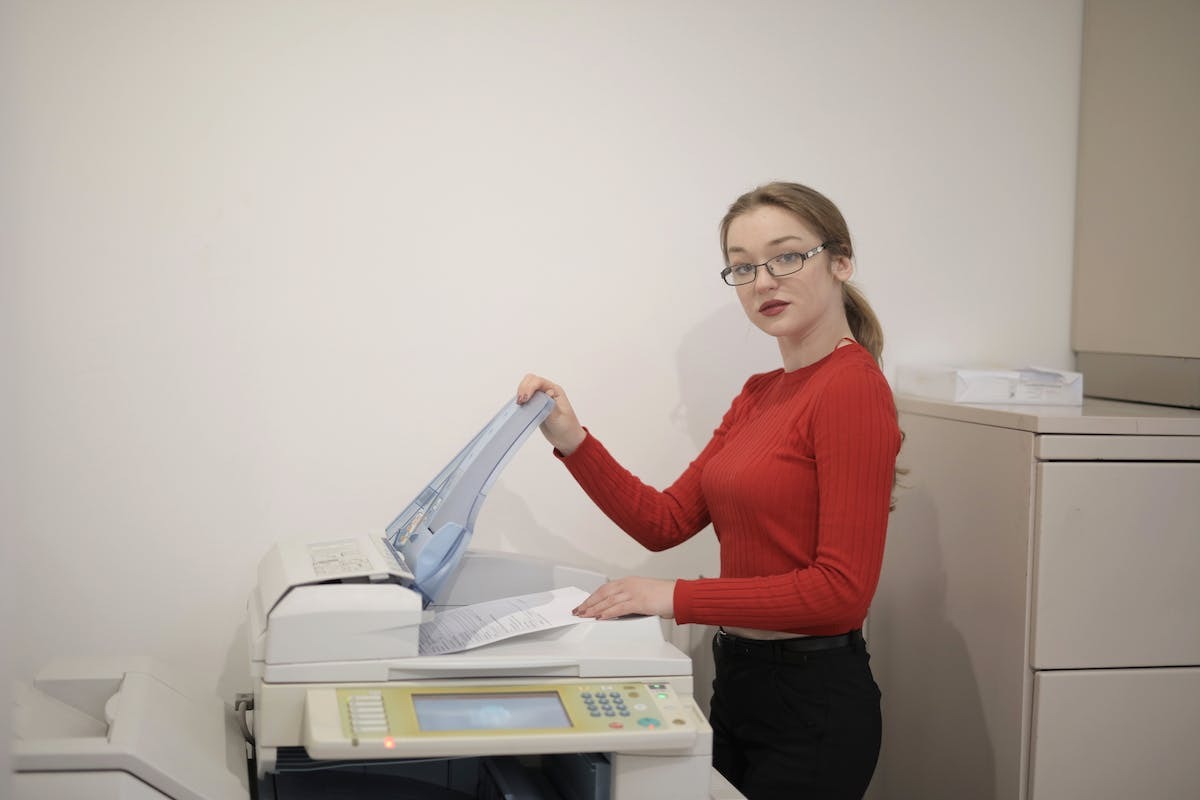
Now let’s move on to multifunction machines (or all-in-ones), whose practicality attracts both businesses and individuals: beyond their primary function of printing various documents, they are also capable of scanning and photocopying, if not more! This ‘Swiss army knife’ of machines not only saves considerable space but also time, as it prevents users, young and old, from juggling between different devices that are often incompatible with each other.
Finally, let’s conclude with two specific choices: thermal printers primarily used for the rapid—yet low-quality—production of tickets/receipts, and dye-sublimation printers, designed to provide exceptional photo reproduction. However, they are not really suitable for anything else.
It is important to keep in mind that each need corresponds to a specific type: volume/quality/features… Each user should take their time before purchasing to equip themselves with the best possible tool that meets their needs, whether domestic or professional, when they face the crucial moment when printing documents becomes inevitable.

Types of Printers: Which Choice to Make
When it comes to printing documents, you need to consider the different formats and resolutions to achieve an optimal result. The choice of format will primarily depend on the intended use of the printed document.
The most commonly used format for text documents is A4. With its dimensions of 21 x 29.7 cm, it provides sufficient space to accommodate content while remaining easily manageable. It is perfect for professional reports, resumes, or formal letters.
If you need to print posters or promotional flyers, you can opt for larger formats such as A3 (29.7 x 42 cm) or even A2 (42 x 59.4 cm) if you want to create a significant visual impact. These formats are ideal for grabbing attention and effectively conveying your message.
Regarding print resolution, it plays a crucial role in the final quality of the printed document. Resolution is measured in dpi (dots per inch) and represents the number of dots per inch that the printer can produce.
To achieve a sharp and detailed print, especially for images or complex graphics, it is recommended to use a minimum resolution of 300 dpi. This will ensure the accuracy of details and avoid any undesirable pixelation.
If you do not need high detail or if your document mainly contains text without complex images, a resolution of 150 dpi may be sufficient. This will save ink and printing time while maintaining acceptable quality.
You should also consider the type of paper used for printing. High-quality paper with a higher weight will provide better color reproduction and a more pleasant feel.
To achieve optimal printing, it is crucial to choose the right format based on your specific needs and to opt for the appropriate resolution to obtain a sharp and detailed output. Do not hesitate to consult the manufacturer’s recommendations regarding the optimal resolution for your printer to achieve the best possible results.
Take the necessary time to analyze your needs before any printing to ensure that each document will be produced with the expected quality. Paying particular attention to formats and resolutions will allow you to fully leverage the capabilities offered by your equipment while achieving professional results every time.
Formats and Resolutions: For Perfect Printing
When printing documents, choosing the right medium is just as important as selecting the appropriate format and resolution. Different printing media offer unique characteristics that can influence the appearance and durability of your documents.
Coated paper is one of the most commonly used media. This type of paper has a smooth and uniform surface due to a special coating applied during the manufacturing process. Coated paper offers excellent color reproduction, making it an ideal choice for high-resolution images or vibrant graphics, such as advertising brochures or catalogs.
If you are looking for a more luxurious finish, glossy paper may be the perfect solution. This paper has a reflective surface that will enhance your photos and illustrations with brilliance. It is often used for magazines, promotional posters, or invitation cards.
To give your printed documents a natural and eco-friendly look, opt for recycled paper. Made from post-consumer recycled fibers, this type of paper helps preserve our environment by limiting the use of precious natural resources. Recycled paper is available in various shades to add a unique touch to your creations.
If you want to create durable prints that can withstand outdoor elements, consider using synthentic paper. This water- and tear-resistant material is ideal for labels, outdoor invitation cards, or restaurant menus. It offers excellent durability while maintaining a professional appearance.
For printed documents intended to be frequently handled, offset paper may be your best choice. With its slightly rough uncoated surface, this paper offers great resistance to abrasion and wear. It is suitable for notes, invoices, or administrative forms.
Choosing the right printing medium will greatly contribute to the visual and tactile quality of your documents. By considering the type of document you wish to print as well as its intended use, you can select the medium that best meets your specific needs.
Once you have chosen the appropriate format, the right resolution, and the suitable medium for your printing project, all that remains is to entrust your files to a competent professional or use your own equipment to achieve a satisfactory final result.
Whether for personal or professional reasons, mastering the art of printing is essential in our ever-connected society. Therefore, take the necessary time to understand these different aspects to achieve flawless prints that fully meet your expectations.
Printing Media: Key Features to Know
Once you have chosen the ideal printing medium, it is time to move on to the concrete steps for successful printing. Here are the key steps to follow:
Prepare your file: Before starting the print job, ensure that your file is ready. Check the resolution of images (ideally 300 dpi), correct any errors or typos, and adjust the margins if necessary.
Choose the right printing software: Use suitable software to control your printer or entrust this task to a competent professional who will master all the technical subtleties related to printing.
Configure your printing settings: Make sure to select the correct paper format, desired print quality, and other specific options based on your needs (double-sided, stapling, etc.).
Perform a preliminary test: You need to ensure the final output and detect any potential anomalies.
Proceed to the final print: Once satisfied with the result obtained from the preliminary test, launch the final print ensuring that your equipment is clean and in perfect condition to avoid any issues during the process.